Roles and permissions
The role says what a person can do; the scope says where. The two are set separately, and their crossing makes the access.
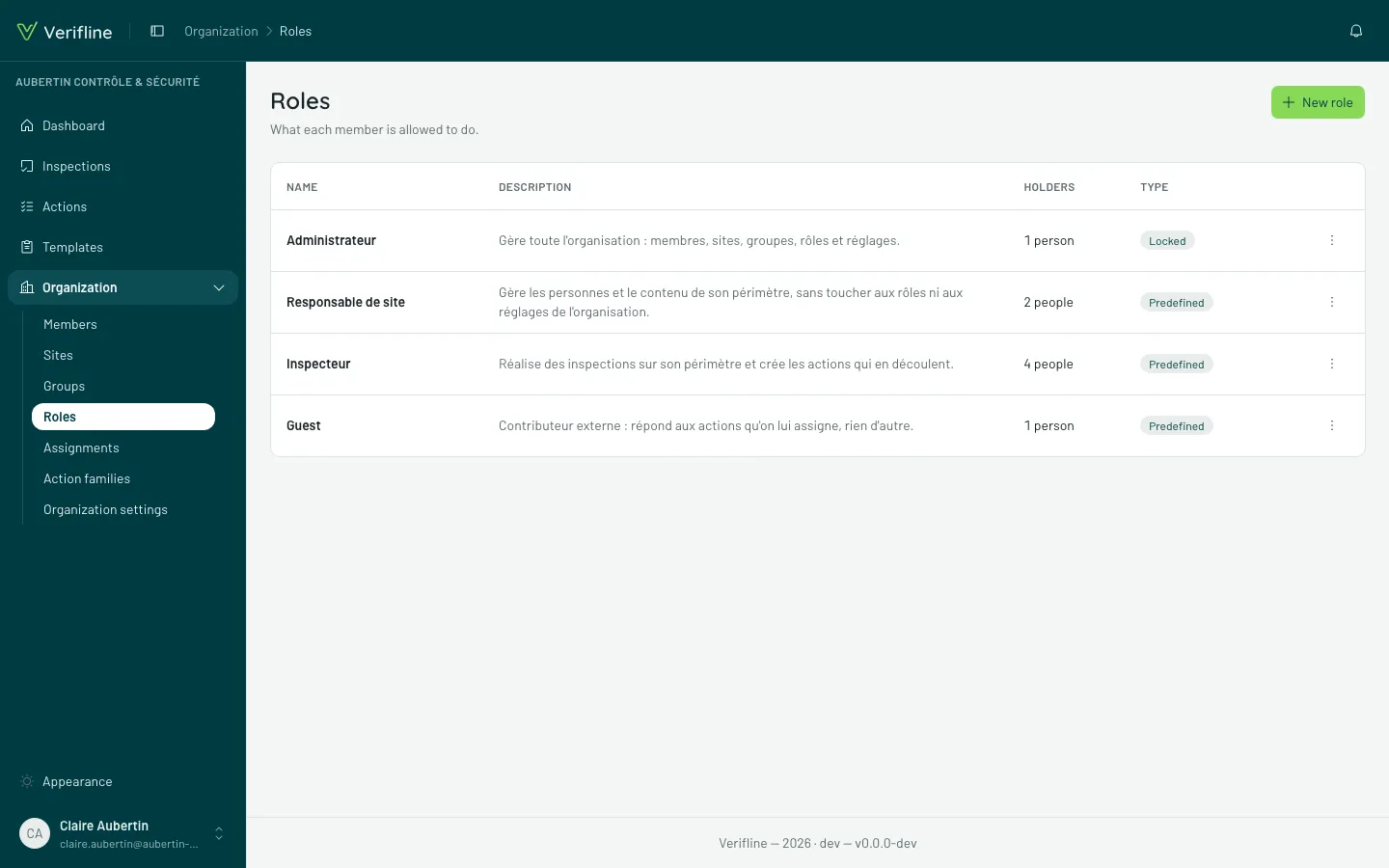
The four predefined roles
Section titled “The four predefined roles”| Role | In a word |
|---|---|
| Administrator | everything — organization settings included |
| Site manager | manages inspections, actions and templates; reads their whole scope |
| Inspector | runs inspections and handles actions; sees their own |
| Guest | read-only on what is shared with them |
Each role also carries a license (Full, Lite, Guest) — a classification label, with no effect on rights today.
The View / Create / Manage grid
Section titled “The View / Create / Manage grid”Permissions read by domain (inspections, actions, templates, members…), on three levels — and each level includes the ones before it:
- View — read, within one’s scope;
- Create — create, and edit one’s own;
- Manage — edit everything in the organization, with no scope limit.
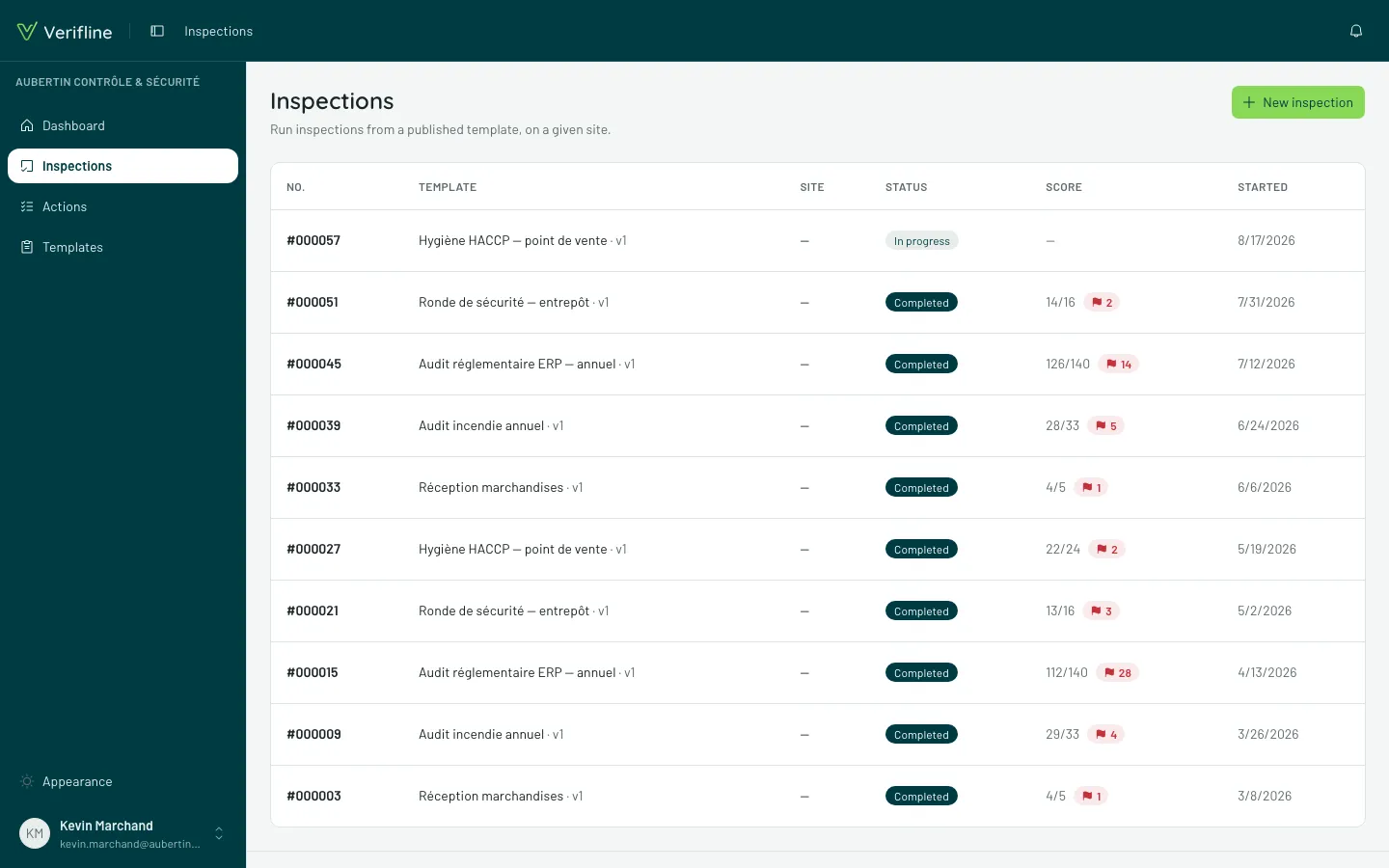
This answers “why can’t Kevin see this inspection?”: with Create but without Manage, he sees his scope and his own inspections — not other people’s outside it. Here is the same Inspections screen as an inspector sees it:
Custom roles
Section titled “Custom roles”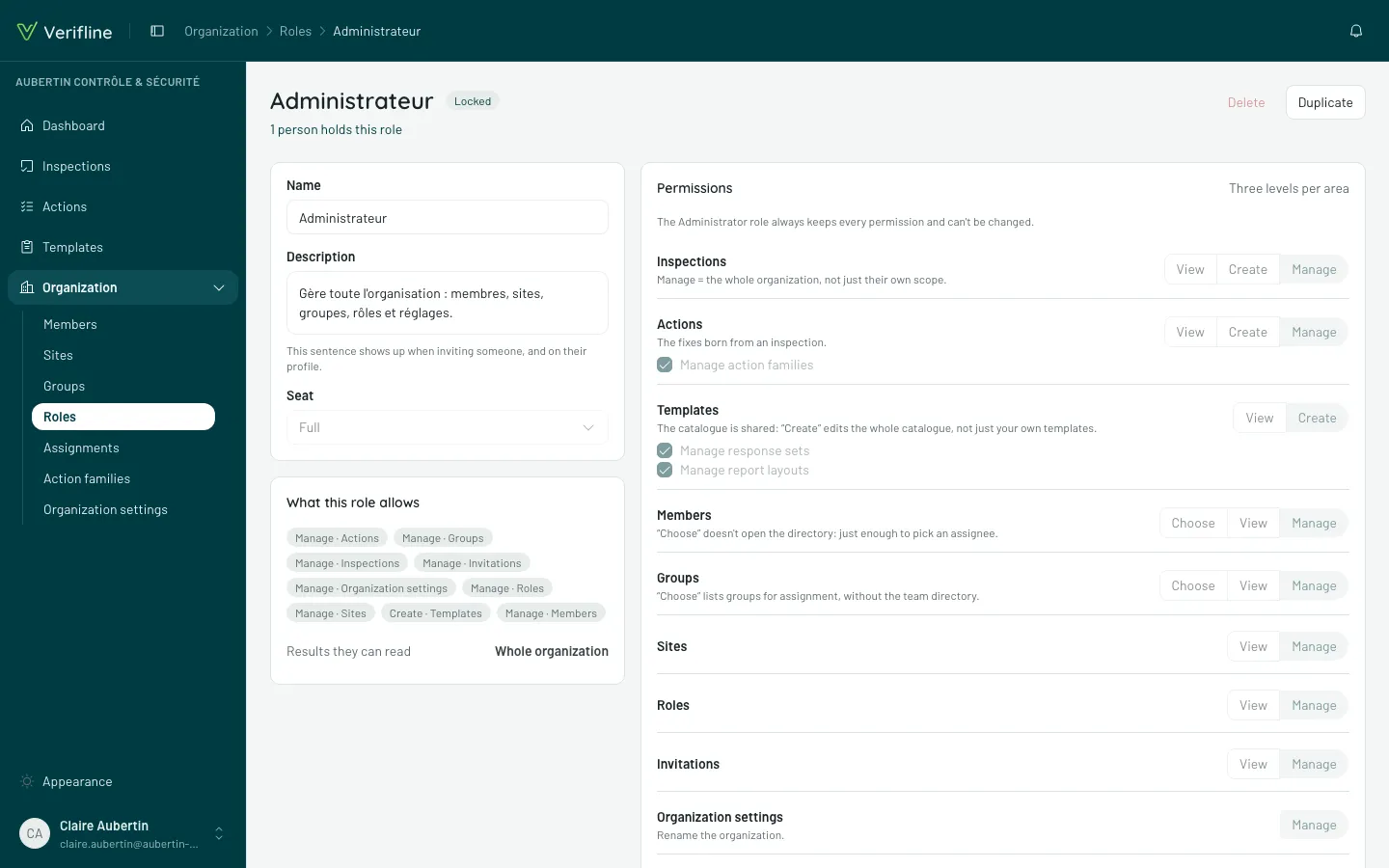
New role starts from a blank grid: check domain by domain. The editor pre-checks and locks what a right entails — granting Manage inspections lights up View and Create, which cannot be unchecked while Manage holds. An inconsistent right is impossible to build, not merely discouraged.