Your account
Account settings gathers what belongs to you alone. On a computer, open it from your avatar, at the very bottom of the sidebar; on a phone, through More → Preferences → Account settings. Five tabs: My profile, My access, Notifications, Password, Delete account.
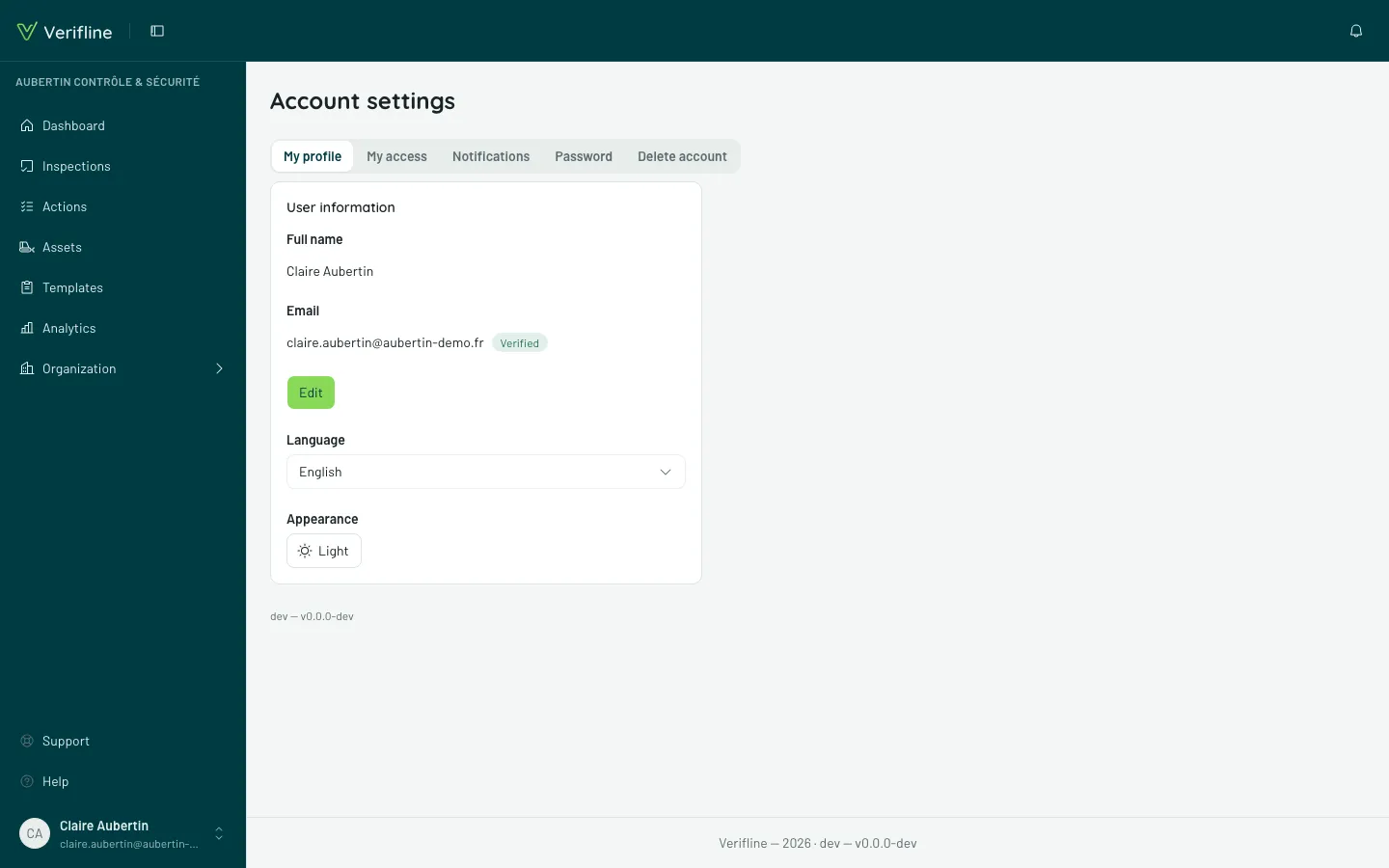
Profile, language and appearance
Section titled “Profile, language and appearance”The My profile tab carries your details — name, address — then two settings that apply at once:
- Language — French or English. It drives the interface and your emails.
- Appearance — Light, Dark or System. The theme is local to this device: it does not follow your account from one screen to the next. On a phone, the same setting also lives in More → Preferences → Appearance, and it stays available offline.
Password
Section titled “Password”Change it here — current password required. An account born from Google has none: it keeps signing in with Google, which is normal.
As a precaution, after ten unrecognized passwords within fifteen minutes — at sign-in as well as here — attempts are paused for that account: Verifline shows “Several passwords weren’t recognized” with how long to wait. Try again afterwards, or use “Forgot your password?”.
Changing your email address
Section titled “Changing your email address”The address changes in the profile — and confirmation starts over: a link goes out to the new address, and until it is clicked, the gestures requiring a proven address are limited again. That is the price of an address that means something.
My access
Section titled “My access”The My access panel answers “what am I allowed to see, and why?”: your role, your sites (pinned or inherited), your groups, the templates open to you — the same reading as “What they see”, but about yourself.
Your notifications
Section titled “Your notifications”The Notifications tab carries your email preferences.