Your notifications
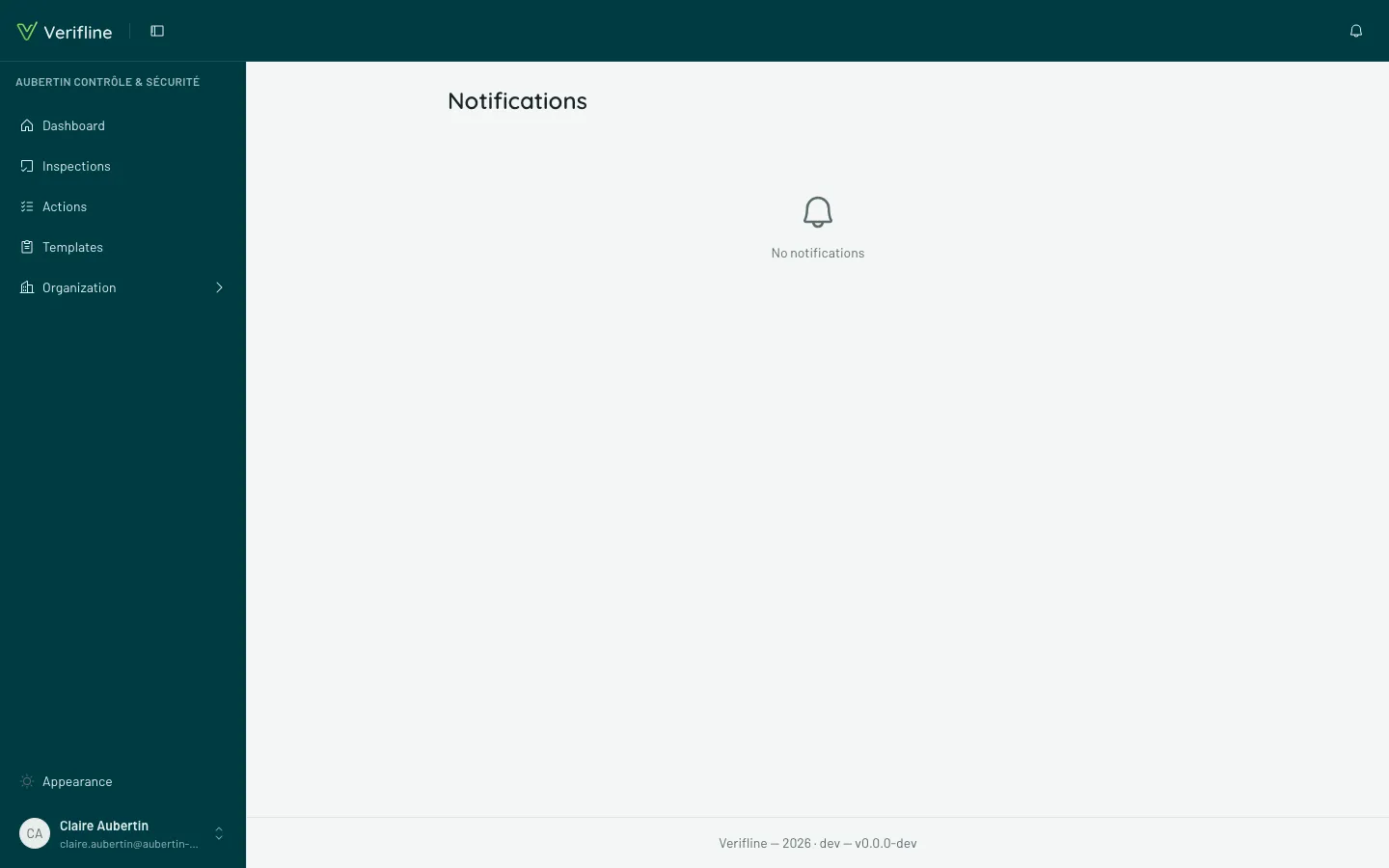
Verifline reaches you through two channels: the bell, at the top of the screen, and email. Same event, two ranges — the bell for those living inside the app, email for those who are not there.
What notifies you
Section titled “What notifies you”You are notified of what concerns you: an action assigned to you, a comment on an action you follow, a status change, a reply from an external contributor, a “Notify” answer aimed at you, an accepted invitation…
The bell carries the unread counter; opening a notification leads straight to the object — the action, the inspection.
Tuning your emails
Section titled “Tuning your emails”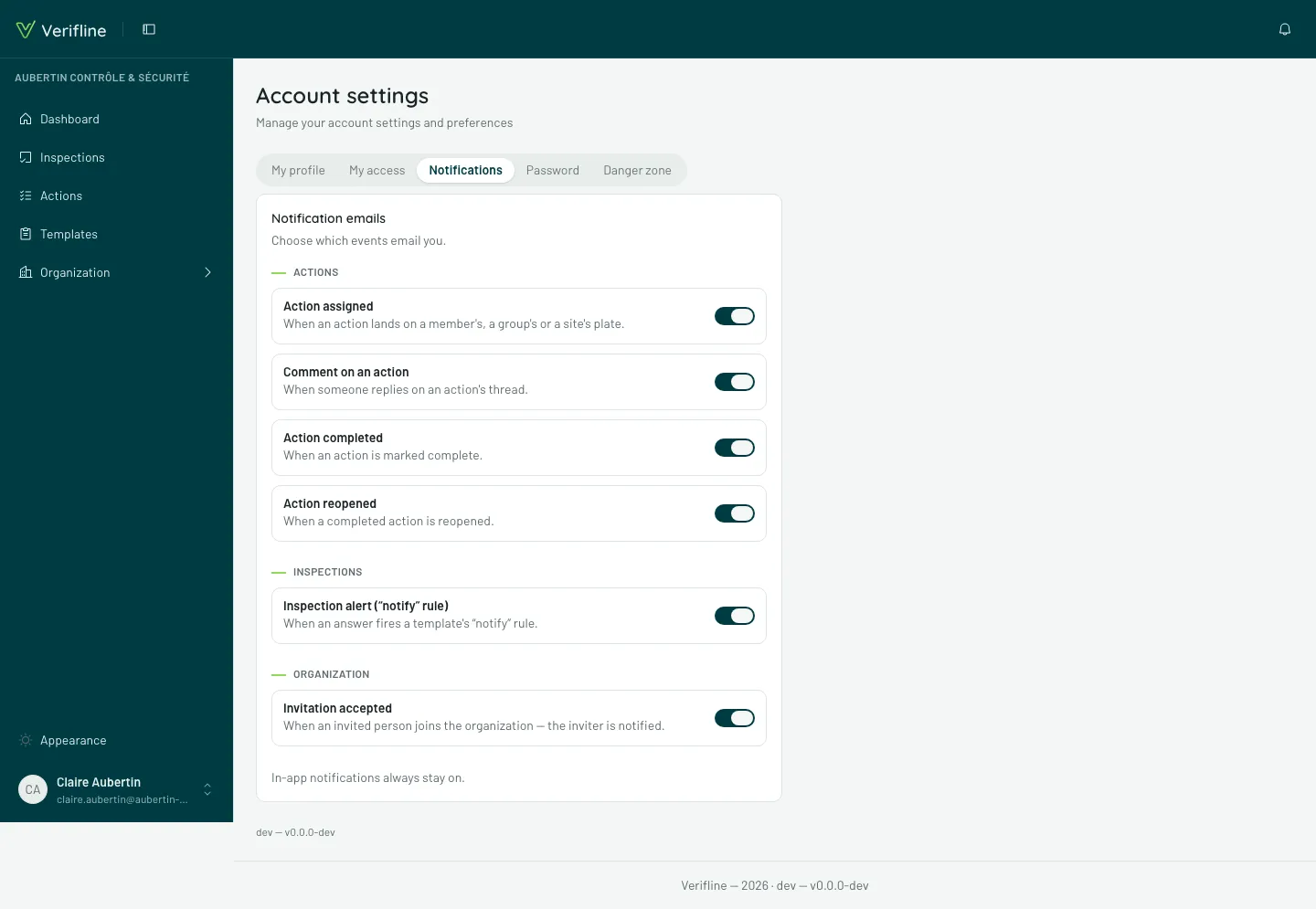
In Account settings → Notifications, every event kind carries its email switch: cut what clutters you, keep what should wake you. It is a personal setting — it only applies to you.
Two simple rules behind the screen:
- The bell always stays on. Muting an email only mutes the email: the information remains in the app.
- A kind marked “Disabled by your organization” is cut by the organization’s policy, for everyone: the personal switch cannot override it — see an administrator.