Sites and the tree
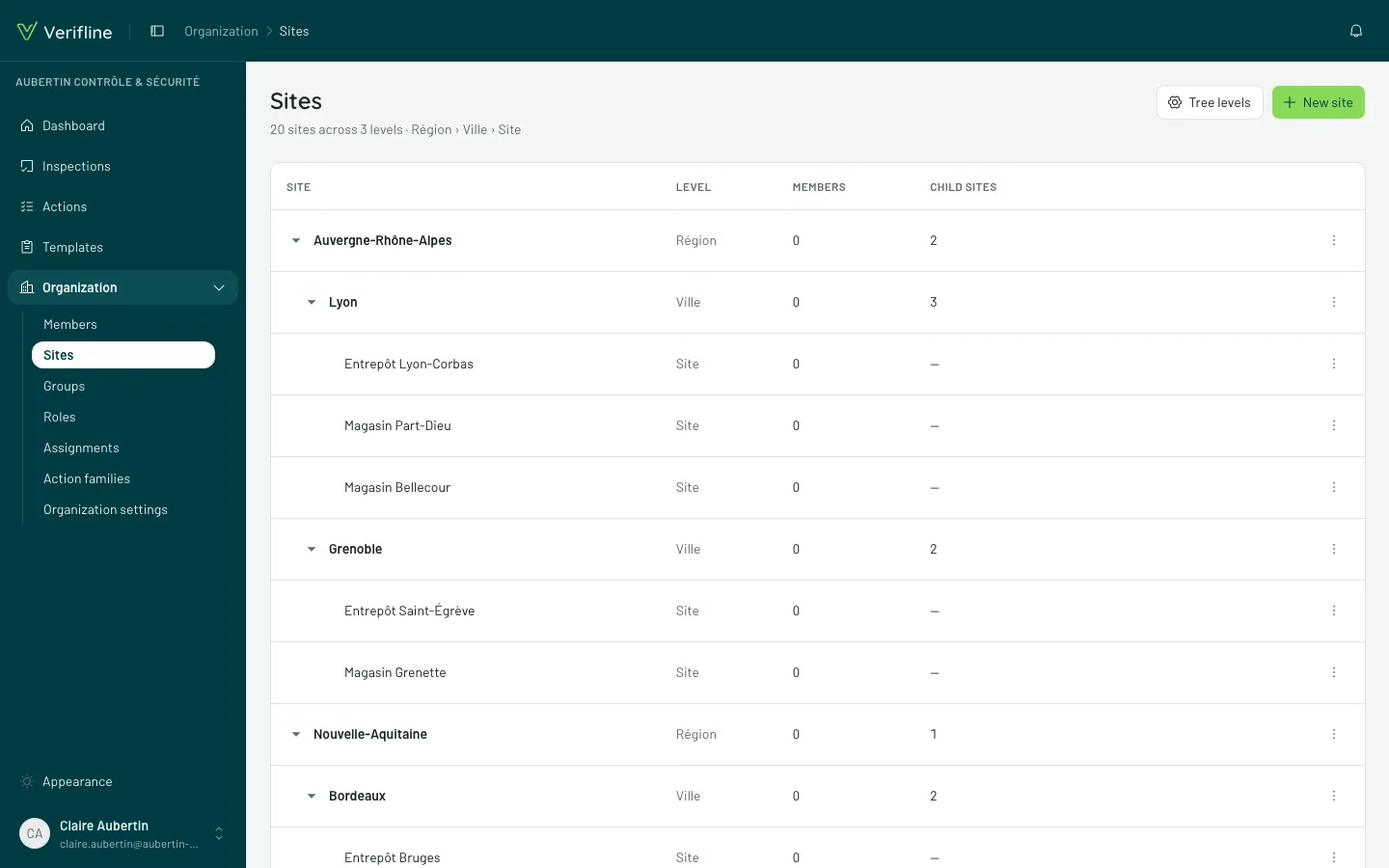
Sites are the places you inspect — and they form a tree: a region holds cities, a city holds buildings, a building holds zones. You decide the depth and the names.
Name your levels
Section titled “Name your levels”In Organization → Sites, open Tree levels: each floor of the tree carries a name (“Region”, “City”, “Site”, “Zone”…). Those names show up everywhere — forms, filters, detail pages — and can be renamed without touching existing sites.
Build the tree
Section titled “Build the tree”- New site creates a root; Add a child site (on a site’s row) creates a floor below it.
- A site can be moved: change its parent, everything inside follows.
- Deleting is only possible once nothing hangs on it anymore (inspections, members, children) — the screen tells you what blocks.
The golden rule: access flows down
Section titled “The golden rule: access flows down”Pinning someone to a site opens that site and everything it contains — never the other way around. Pinned to “Lyon”, a person sees the inspections of Lyon, its buildings and their zones; they see nothing of “Marseille”.
A site’s page
Section titled “A site’s page”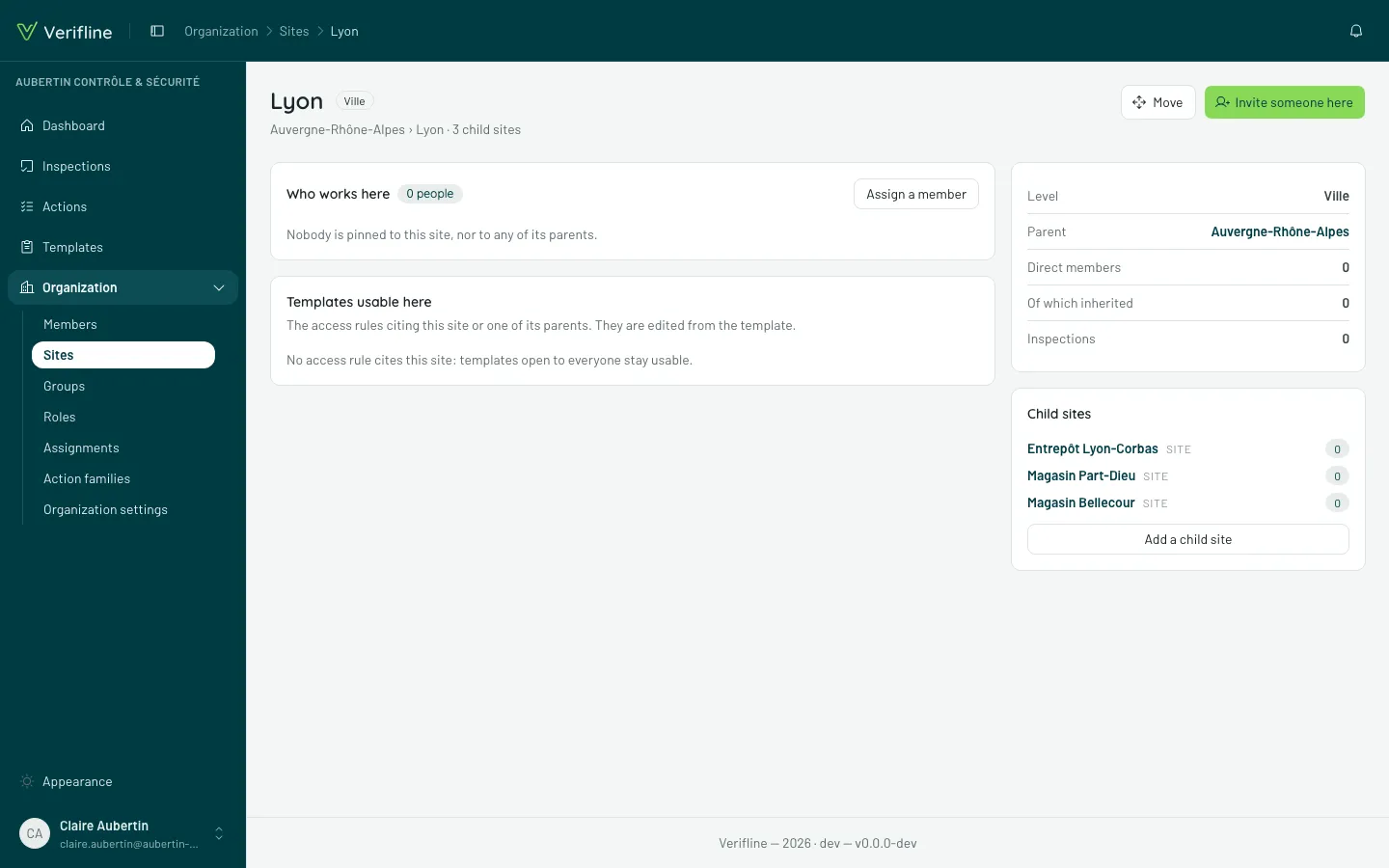
Every site has its page, with two panels answering the two useful questions:
- Who works here — the people whose scope covers this site, with the distinction Assigned here (pinned on this very site) and Inherited from {site} (pinned higher up, the access flowed down).
- Templates usable here — the templates that access rules make runnable on this site.