Create your organization
A Verifline account is always born with its organization: whoever signs up becomes its administrator.
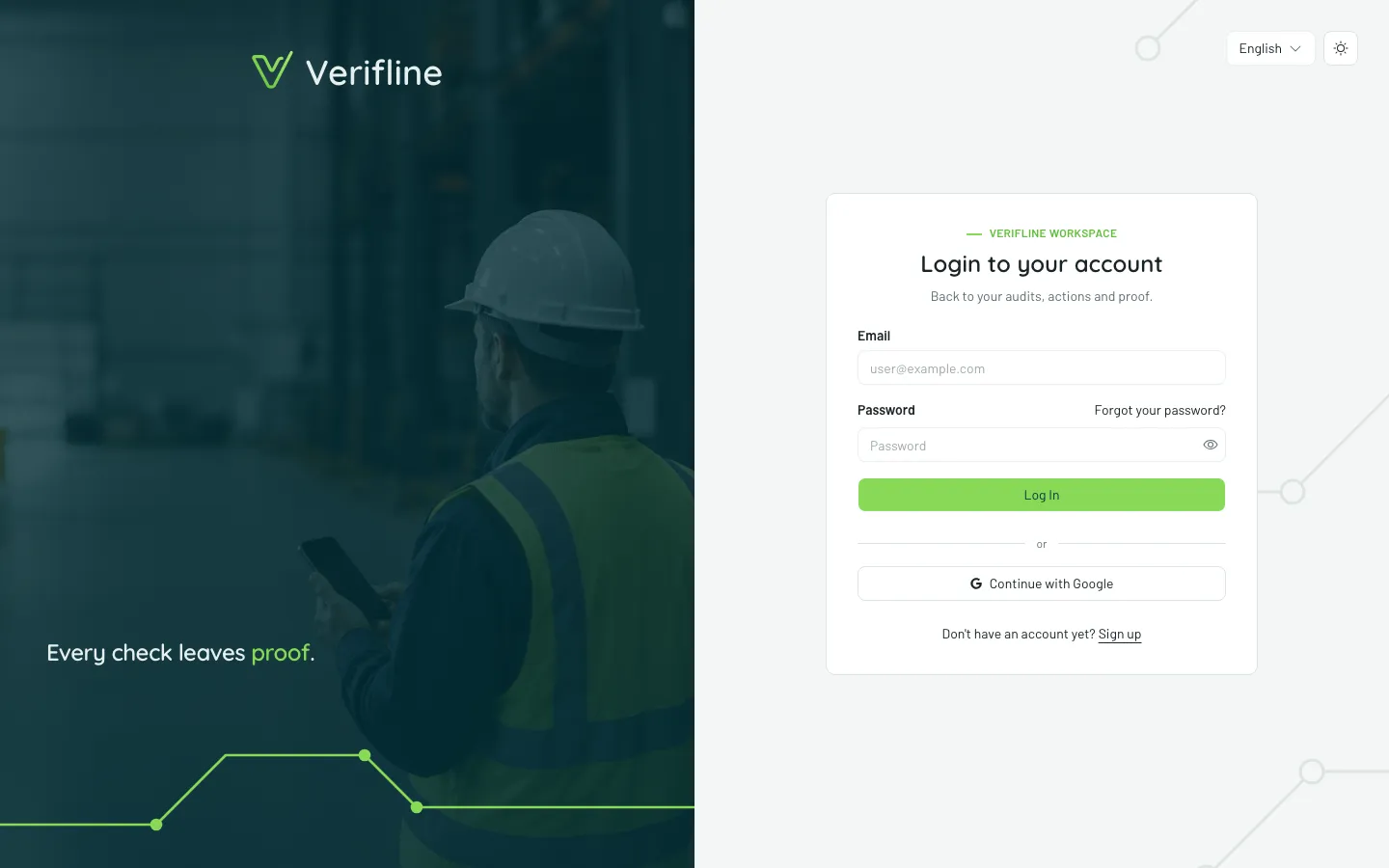
Sign up
Section titled “Sign up”- Open app.verifline.com and choose Sign up.
- Two paths:
- Email and password — enter your name, address, a password (8 characters minimum) and the organization name.
- Continue with Google — Google proves your address; all that is left is naming the organization.
- You land on your dashboard. Done.
The organization name can be changed at any time under Organization → Global settings.
Confirm your email address
Section titled “Confirm your email address”With an email sign-up, a confirmation link lands in your inbox (valid 48 hours). Until the address is confirmed, the account works in read mode but a few gestures stay limited:
| Limited until confirmed | Why |
|---|---|
| Creating an inspection or an action | your writes commit the organization |
| Inviting someone | an email goes out in your name |
| Sending a contributor link | same — towards an outside person |
A banner at the top of the screen reminds you, with a Resend button if the link got lost. Accounts born from Google or from an invitation are confirmed from the start (the proof was already made).