Reporting QR codes
The reporting QR code puts action creation within everyone’s reach — passing employees, temp workers, visitors — no account, no app: scan, describe, send.
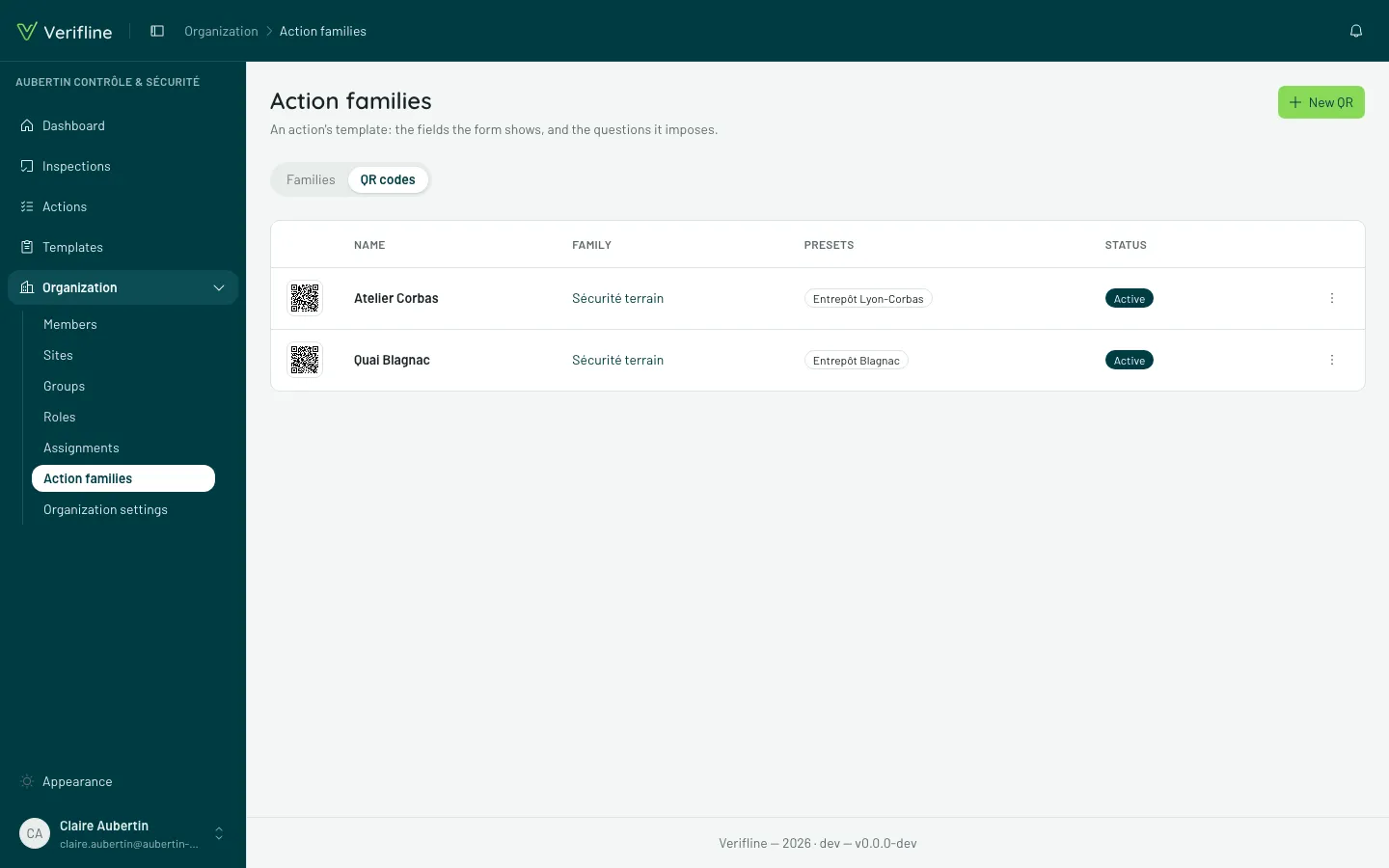
Creating a QR
Section titled “Creating a QR”In Action families → QR codes → New QR, the QR carries its presets — they are what makes the report arrive already filed:
- the site — the workshop’s QR files its reports in the workshop;
- the family and its fields;
- the assignee — the person, team or site that will receive it;
- the priority — imposed by the QR, or left to the reporter’s choice.
Then Download the PNG (to print): the QR is made to live poster-size, on the wall of the zone it covers.
What the reporter experiences
Section titled “What the reporter experiences”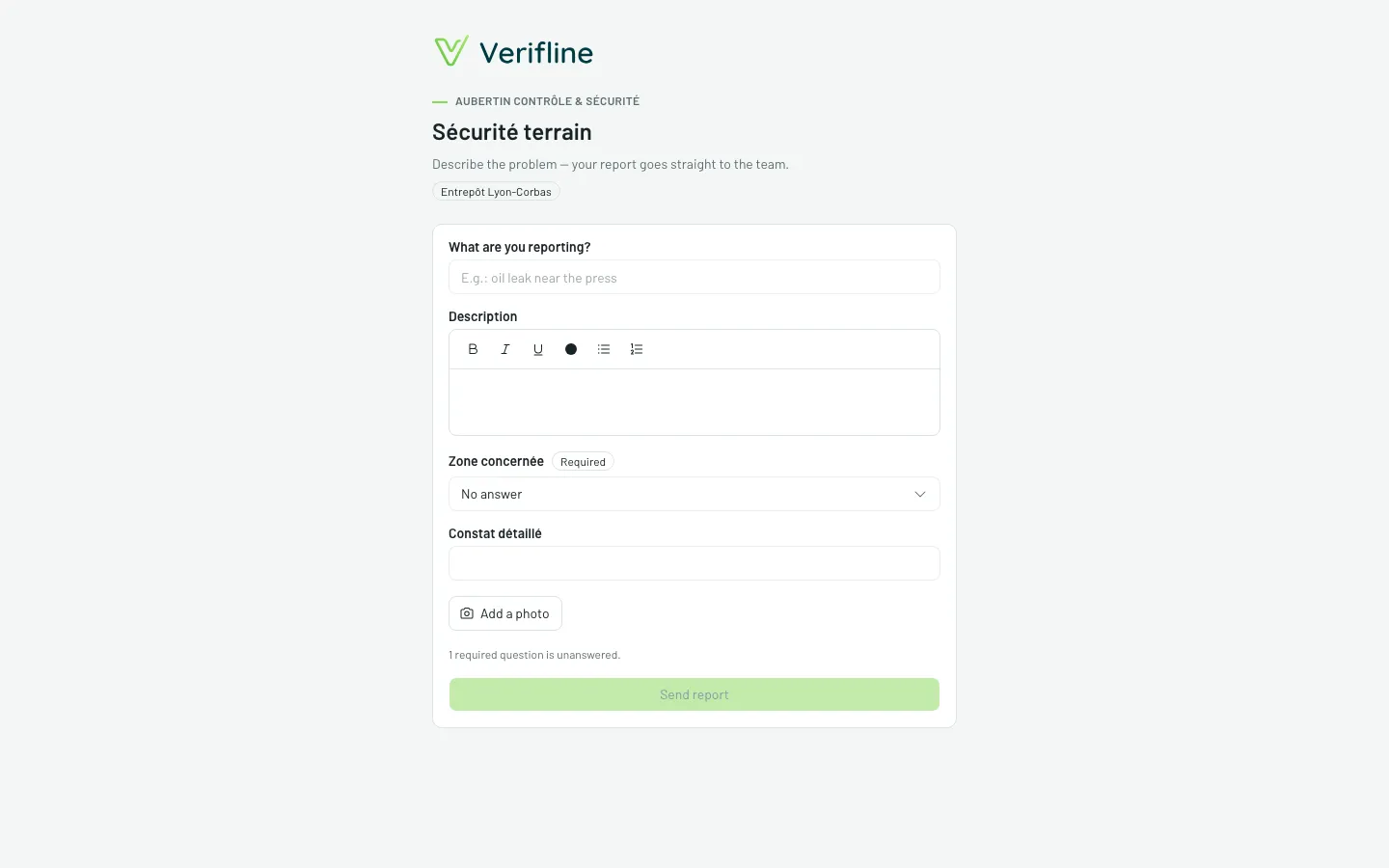
Scanning opens a public form — no sign-in: description, photos, the family’s fields, the priority when left open, and Send the report. The action is born in Verifline, preset, and the assignee is notified.
The reporter then gets their tracking page: the action’s state, the feed, the ability to add a detail — they know what becomes of their report, without ever creating an account.
Managing the fleet
Section titled “Managing the fleet”The QR list shows each with its QR active state. Deactivating a QR kills future scans (the poster on the wall goes inert) — actions already born carry on with their lives.