Action families
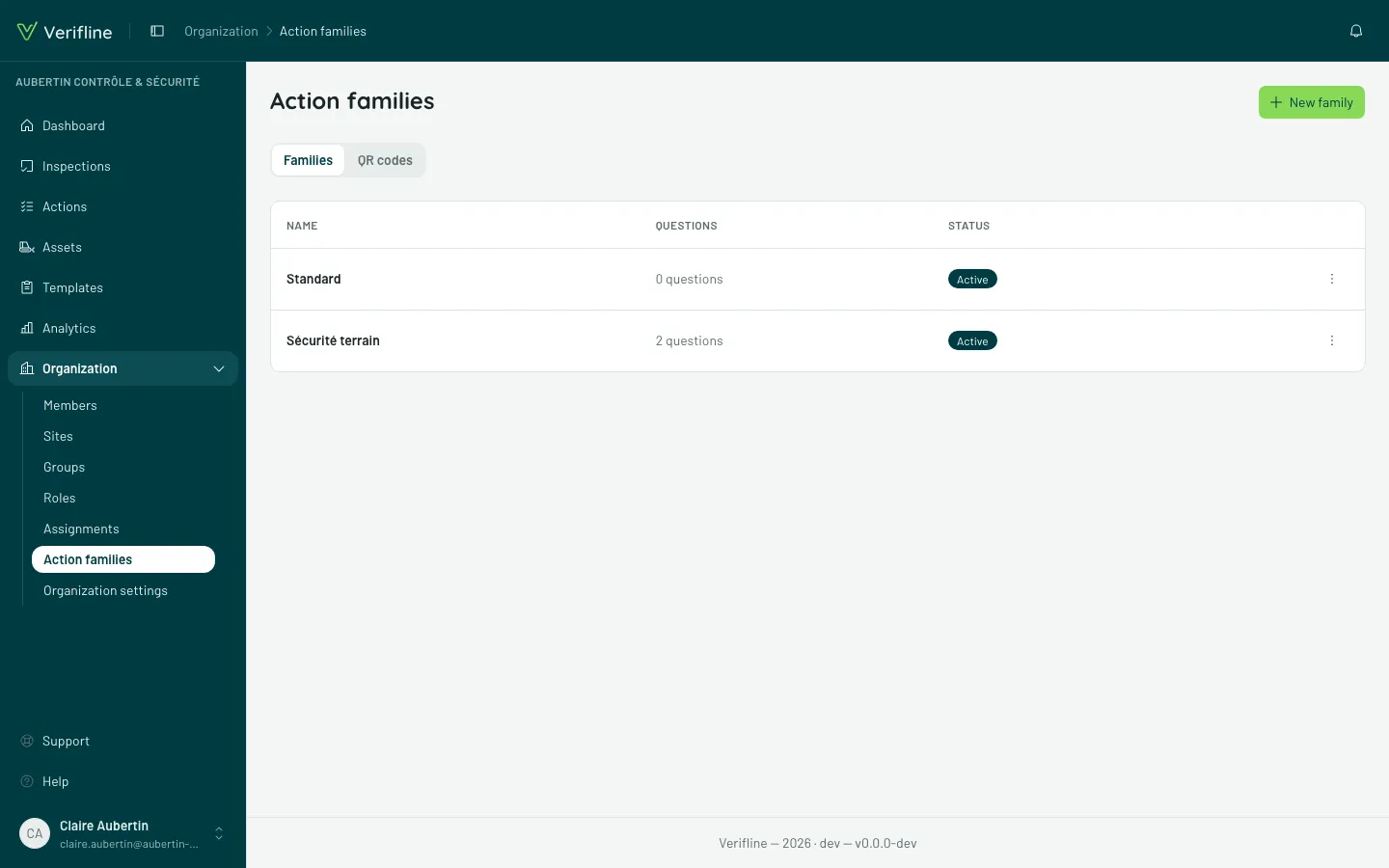
An action family is a template: it says what an action of that kind asks for — at creation, and at closing time. “Maintenance job” does not demand the same things as “HACCP deviation”.
Form fields
Section titled “Form fields”The standard fields (Description, Priority, Due date, Assignee, Site) are unticked in the family to leave the form and the action’s page; the title always stays. In the form, the family is chosen first, and it announces what it removes (« No priority »). The QR report stays short whatever happens: a photo, What is happening, and your questions.
Questions to close
Section titled “Questions to close”The family can ask up to five questions, as Free text or as a Dropdown list (your options) — “Equipment no.”, “Cause identified?”, “Part replaced?”: the information a title alone does not structure. They come at the end of the creation form, under To close, and answering them then is optional: the assigned person fills them in while working the action, on its page. A list question is answered by tapping a chip.
Every question marked Required to complete does what it says: it does not block creation, but the action cannot be marked complete until it has an answer. Closing proves the work instead of assuming it. Only the QR report is different: the person reporting answers it before sending.
The gate holds for everyone: the assigned member and the external contributor answer the same questions, each through their own door.
Editing a family
Section titled “Editing a family”Creating and editing families takes the manage families permission — distinct from day-to-day work on actions.