Bulk assignments
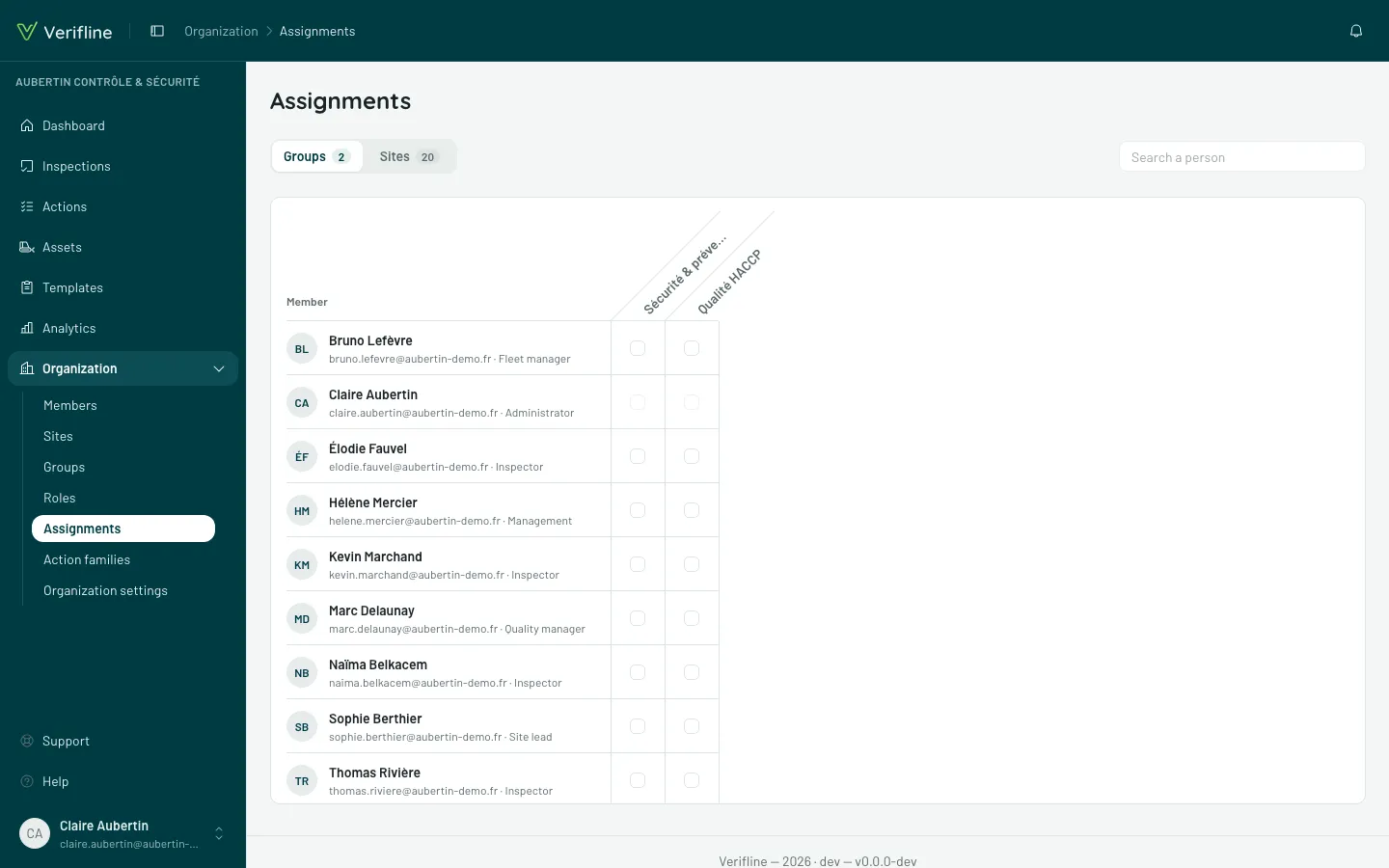
Setting access person by person is fine for one hire — not for a rollout. Organization → Assignments shows the whole matrix: members as rows, and as columns the groups or the sites, depending on the tab you pick.
Reading the matrix
Section titled “Reading the matrix”Two tabs, Groups and Sites, each with its count. The screen opens with the Access Assignments permission of your role; ticking a box needs Add and remove members (groups) or Assign members (sites). Search a person narrows the rows.
- A checked box = the person is a member of that group (Groups tab) or pinned to that site (Sites tab).
- An inherited box (greyed, not uncheckable) = the access flows down from a parent site, which its tooltip names (“Inherited from {site}”) — to remove it, it is the parent’s pin you must lift. The matrix shows inheritance instead of leaving it to be guessed.
- A locked box (greyed) = you can’t assign this person: it’s you, or they have rights you don’t have — its tooltip says which. Removing yourself is still possible: your checked box can be unchecked.
Editing
Section titled “Editing”Click the boxes: every click saves immediately — no Save button; a discreet “Saving…” then “Saved” confirms it. You can sweep a whole column (“all of the Corbas warehouse for the morning team”) in seconds.