Members
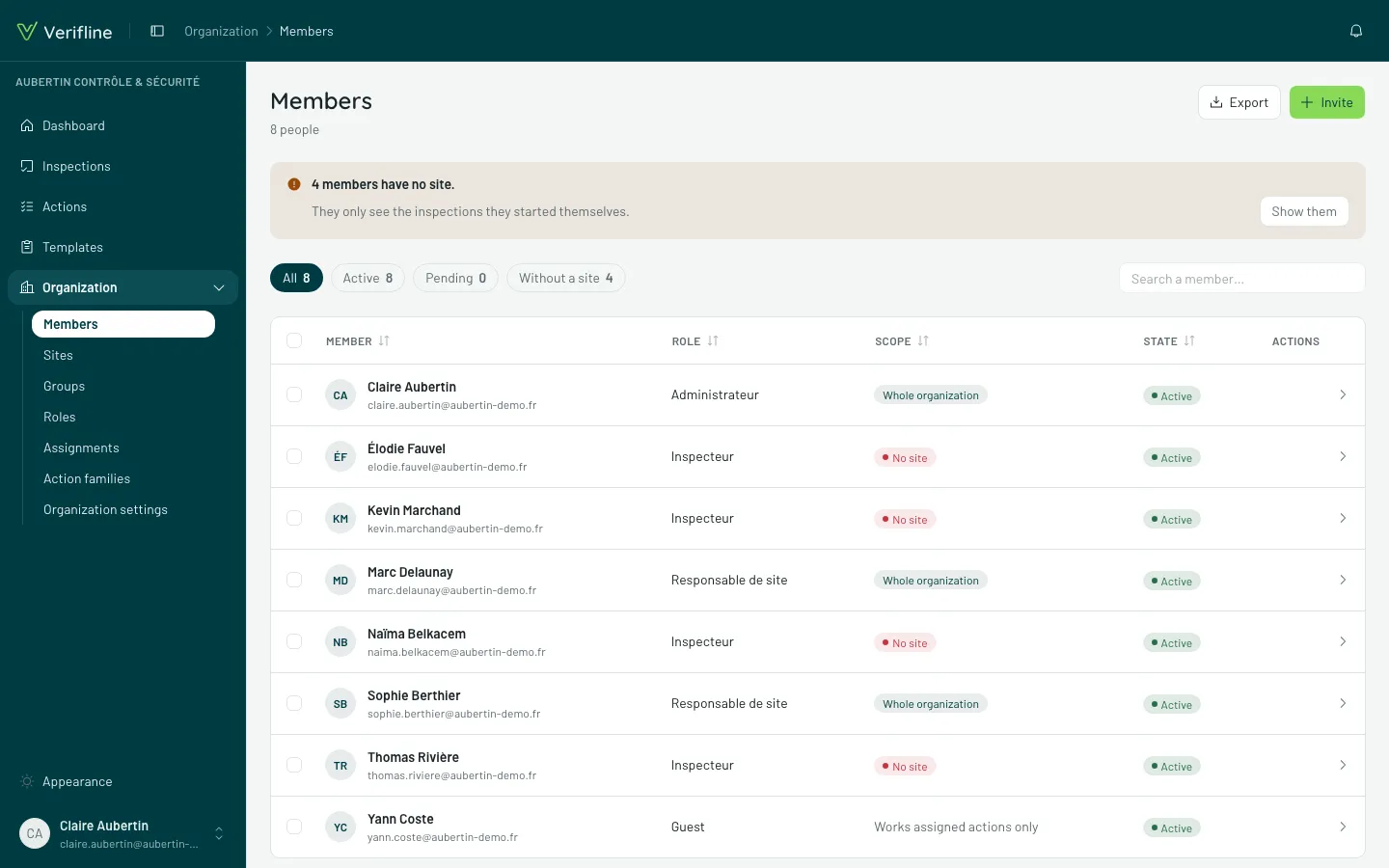
Organization → Members lists everyone in the organization — and each row says the essentials: role, scope, groups.
Reading the list
Section titled “Reading the list”Four tabs for four questions:
| Tab | What it shows |
|---|---|
| All | everyone, invitations included |
| Active | the accounts that walked in |
| Pending | unaccepted invitations — resend, copy link, revoke |
| No site | members with no pinned site — the ones who only see their own inspections |
The No site tab is your checklist: a person sitting there by oversight will not understand why “the app is empty”.
A member’s page
Section titled “A member’s page”Open a row to adjust:
- the role — what the person can do;
- the scope — the pinned sites, hence what flows down;
- the groups — their teams.
“What they see”
Section titled ““What they see””The What {name} sees panel unfolds the person’s effective access: the covered sites (pinned or inherited), the runnable templates and why (which rule, which target). When someone says “I can’t see the inspection”, this is where you look — the answer is written down, not reconstructed.