Groups
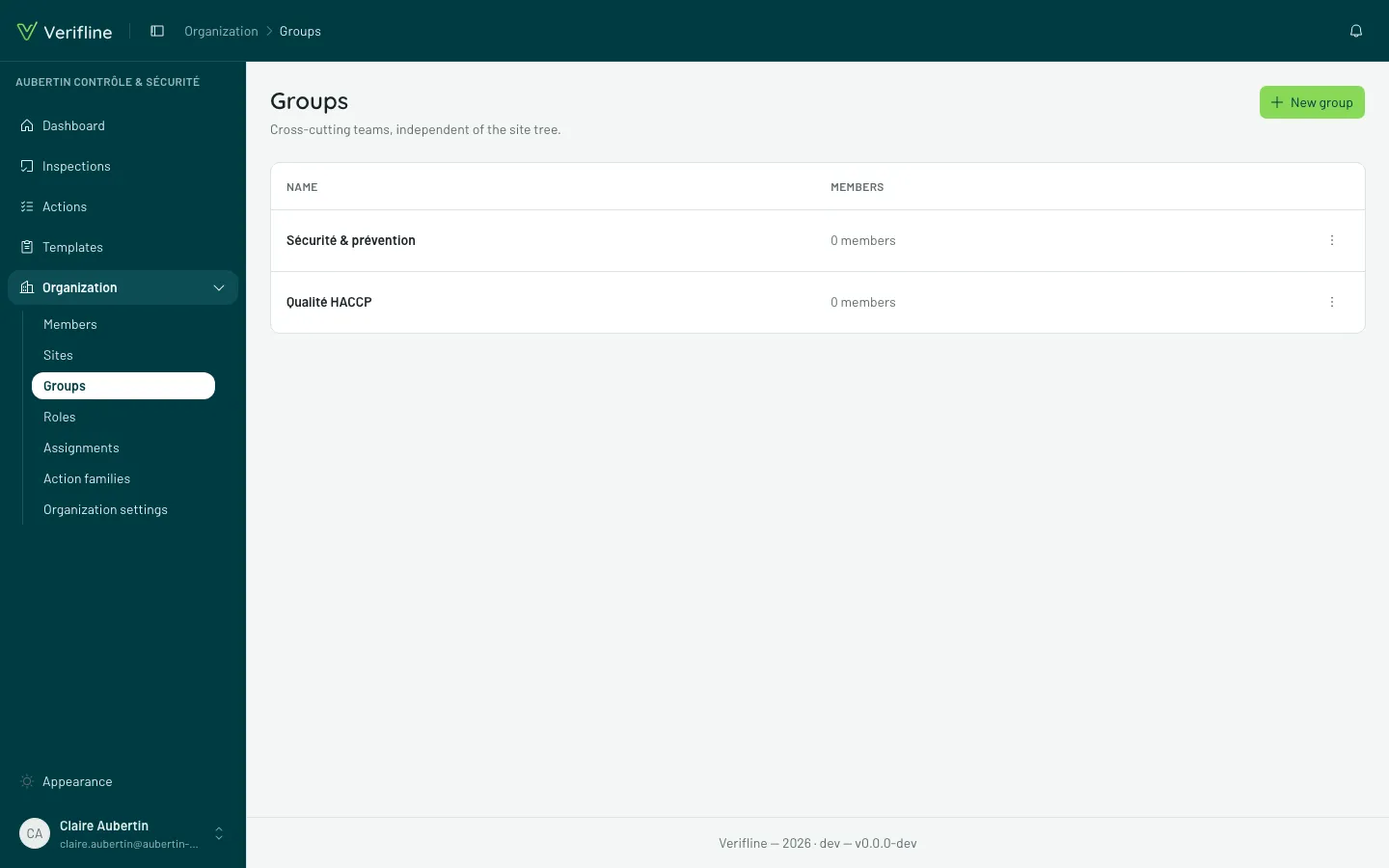
A group is a team — “Maintenance”, “Quality”, “Cleaning contractors” — that cuts across the site tree: its members can come from anywhere.
What is a group for?
Section titled “What is a group for?”- Granting access in bulk: an access rule can target a group — the template becomes runnable by the whole team, and newcomers to the group inherit it with no extra gesture.
- Assigning an action to the team: an action assigned to a group lands on every member’s plate — whoever handles it first handles it.
- Filtering and reading: tracking screens know how to group by team.
Create and fill
Section titled “Create and fill”Organization → Groups → New group, then add members from the group’s page — or in bulk from the Assignments screen.
Where this group grants access
Section titled “Where this group grants access”A group’s page carries the Where this group grants access panel: the list of access rules targeting it, with each rule’s template and target. It is the right place to answer “why does this team see this questionnaire?”.