Modules
A module is a block of the home screen, designed by Verifline and ready as is: it has no settings. In a dashboard, Add a tile › Modules places one on the grid. What sets it apart from a report: Report or module?
A module follows the dashboard’s filter bar — period, site, template. The first three are about you: everyone sees their own inspections and their own actions there. The others are computed on your scope. A module your role does not allow you to read does not appear.
The screenshots come from the demo organization.
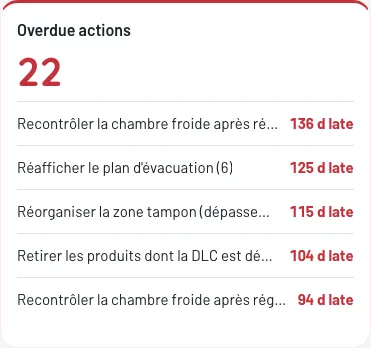
Overdue actions
Section titled “Overdue actions”How many of your actions are overdue, and the oldest ones, each with how many days late. A click opens the action.
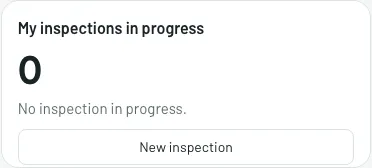
My inspections in progress
Section titled “My inspections in progress”The inspections you started and did not finish; a click resumes one. When there are none, New inspection starts one.
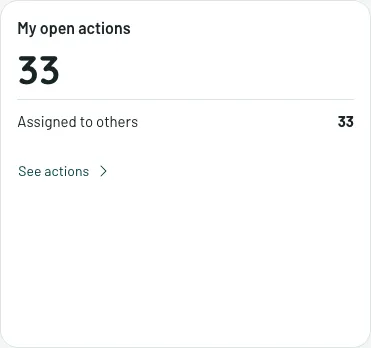
My open actions
Section titled “My open actions”How many actions you have open, and how they reached you: assigned to you, to one of your groups, to one of your sites, or otherwise. See actions opens the list.
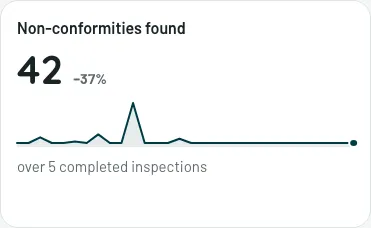
Non-conformities found
Section titled “Non-conformities found”The period’s total, its trend, and the change from the previous period, against the number of completed inspections it comes from.
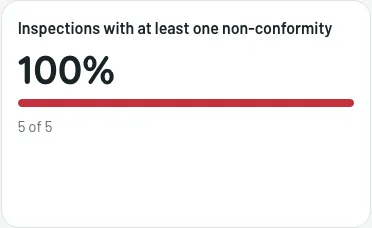
Inspections with a non-conformity
Section titled “Inspections with a non-conformity”The share of the period’s completed inspections that found at least one non-conformity, and how many out of how many. On the grid, its tile is titled Inspections with at least one non-conformity.
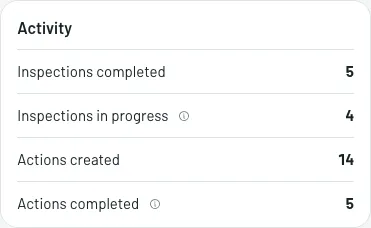
Activity
Section titled “Activity”What was done over the period: inspections completed and in progress, actions created and completed, with the median time to close.
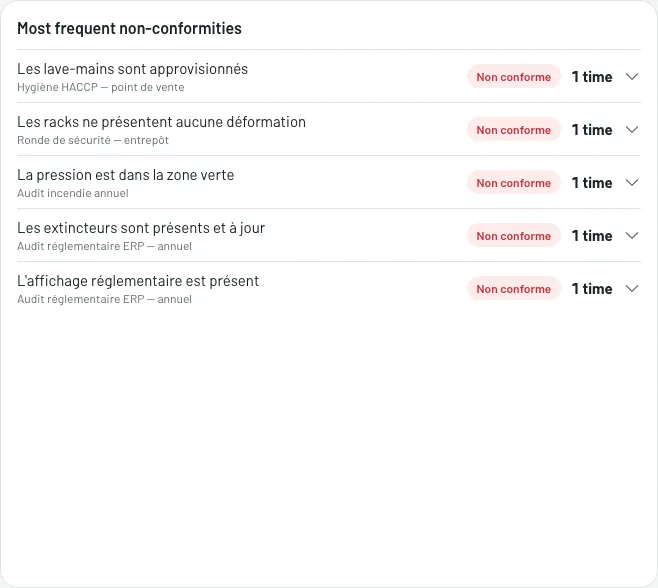
Most frequent non-conformities
Section titled “Most frequent non-conformities”The questions that fail most often, and where. A click unfolds the detail — which inspections, which sites, which answers: the shortest path from the figure to the cause.
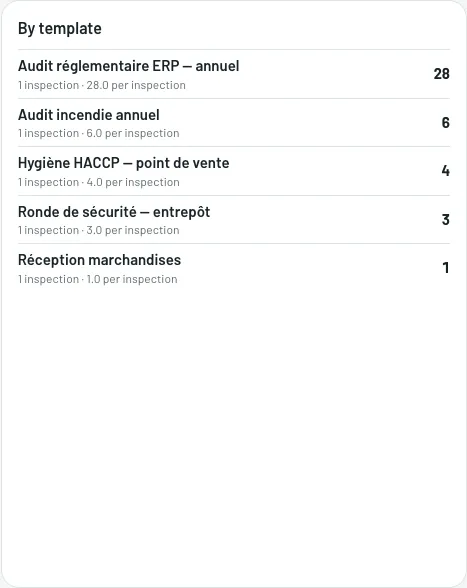
By template
Section titled “By template”The templates that find the most non-conformities. A click filters the dashboard on that template.